Free JSA Template · Safety Inspection Checklist · Incident Report Template

Your free safety forms are right here. Or put them on every crew's phone.

Fill out a JSA, safety inspection checklist or incident report below, then save it as a PDF. Free, no sign-up. When you're ready to go digital, Tyfoom turns these same forms into mobile forms your crews submit from the job site.
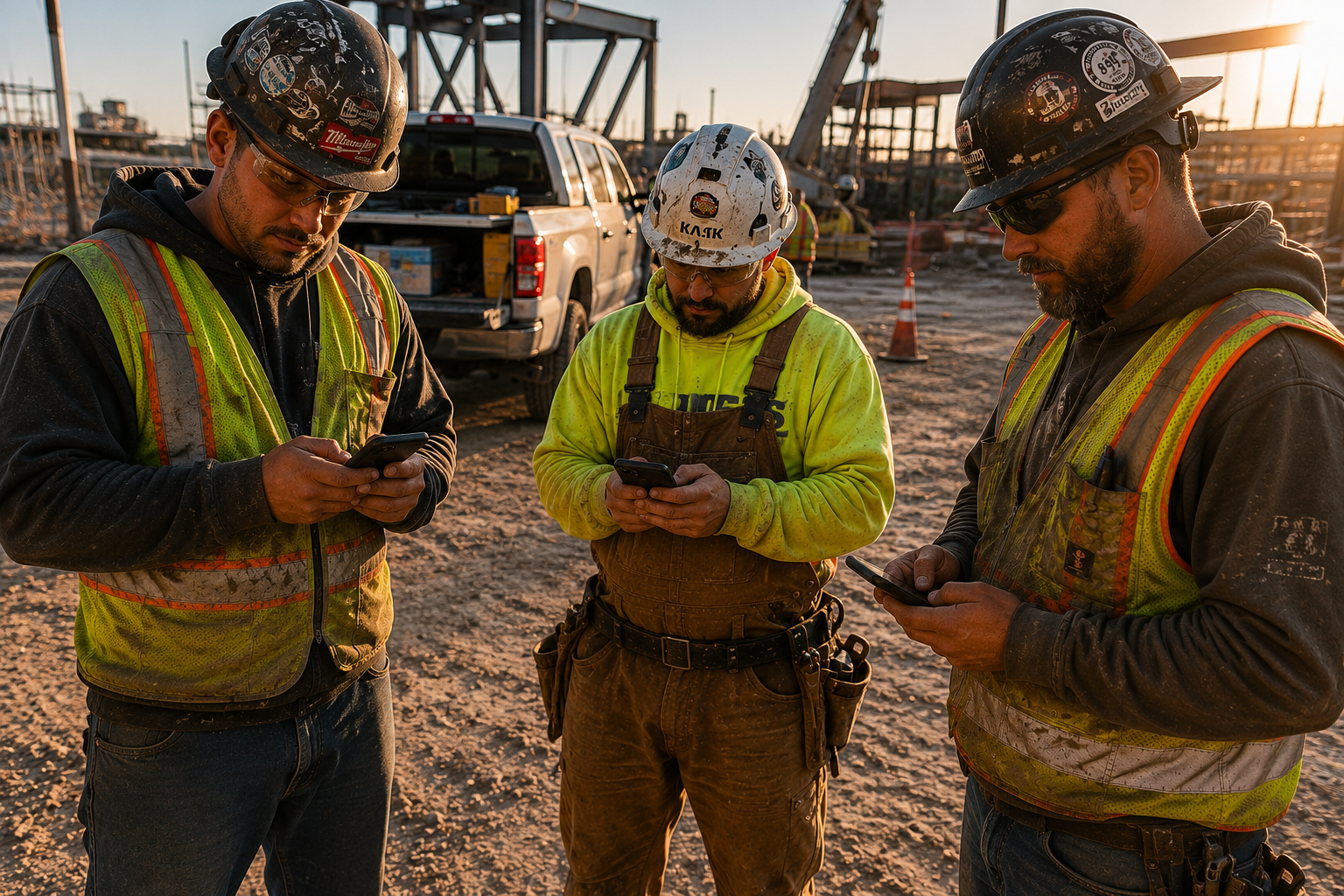
2–3 near-miss reports a year is all A-Core collected on paper. After going digital, they come in daily (Source: A-Core case study).
Free workplace incident report template Free job safety analysis (JSA) template on a clipboard
Free templates

Fill it out. Save it as a PDF.

Pick a template, type right into the fields, then hit Save as PDF. No sign-up.

Editable template

Job Safety Analysis (JSA) / Job Hazard Analysis (JHA) Template

Break the job into steps, list what could go wrong, and set the controls before work starts.

Job Safety / Hazard Analysis
Identify job steps, hazards and controls before work begins.
JSA · JHA
Job stepWhat could go wrong?Controls / safe procedureResponsible person

Review the analysis with the crew and update it when the task, equipment, site conditions or controls change.

Editable template

Workplace Safety Inspection Checklist

A construction safety inspection checklist you can adjust to your site. Mark each item, note fixes and assign follow-up.

Workplace Safety Inspection
Document observations, corrections and required follow-up.
CHECKLIST
Inspection itemYesNoN/ANotes / corrective action
Walking and working surfaces are clear, dry and free of trip hazards.
Fall protection is in place at 6 ft+ (guardrails, harnesses, anchors).
Ladders are inspected, secured and extend 3 ft above landings.
Scaffolds are complete, tagged and inspected by a competent person.
Excavations and trenches are protected (sloping, shoring or trench box).
Electrical cords, tools and GFCIs are in good condition.
Machine and tool guards are in place.
Required PPE is available and being worn.
Fire extinguishers are charged, mounted and accessible.
SDS and chemical labels are available and legible.
First aid kit and emergency contacts are posted and stocked.
Emergency exits and access routes are clear and marked.
Housekeeping: materials stacked, debris removed, waste contained.
Heavy equipment has backup alarms and a spotter where needed.

This checklist is a starting point. Add items for your site, equipment, hazards and applicable requirements.

Editable template

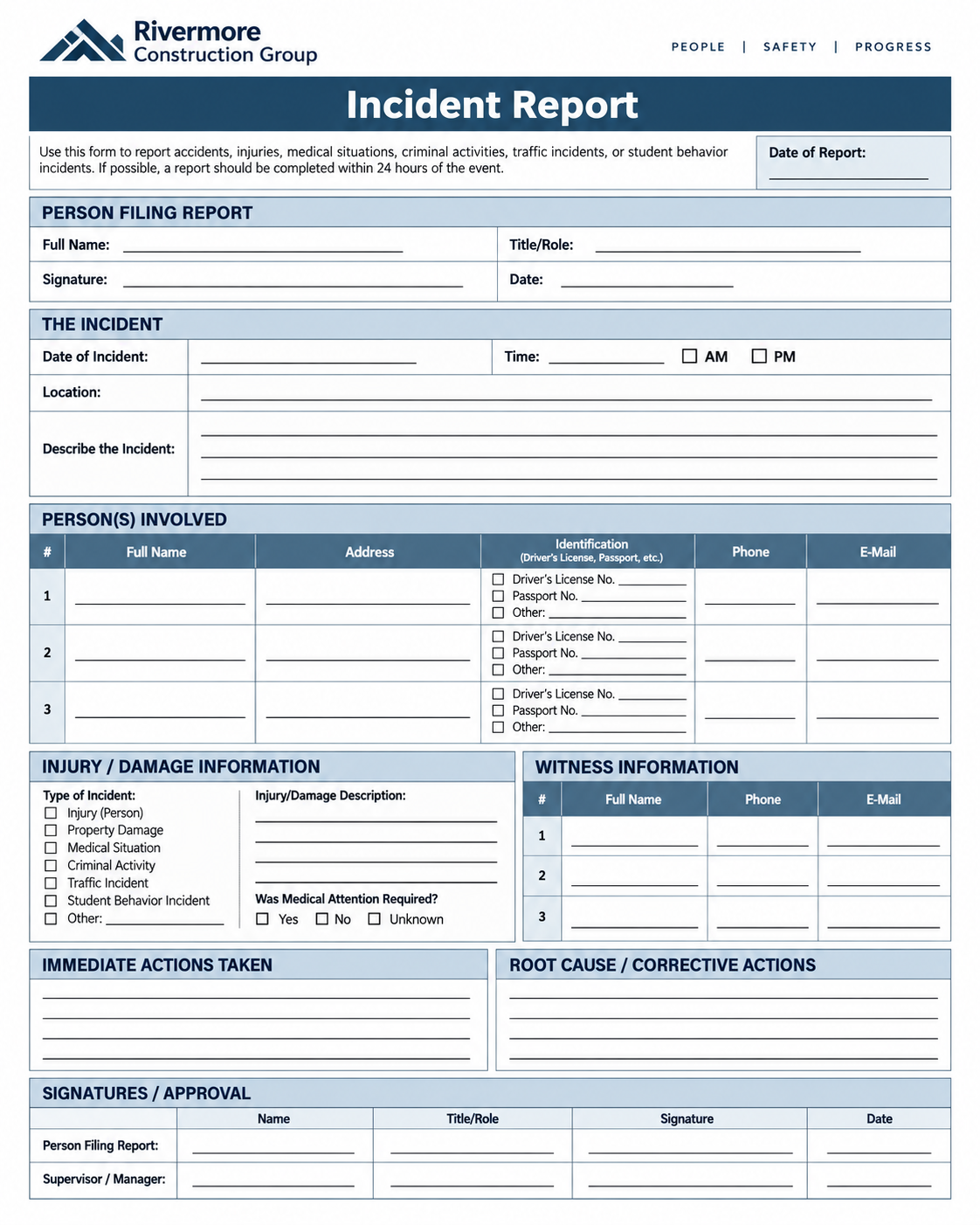
Workplace Incident Report Template

A safety incident report form for injuries, property damage and near misses. Capture the facts while they're fresh.

Workplace Incident Report
Record what happened, contributing conditions and corrective actions.
REPORT

Protect private information. Determine separately whether the event is recordable or reportable under OSHA or state-plan requirements.

These templates are general starting points, not legal advice or a guarantee of compliance. Employers are responsible for meeting the OSHA, state-plan and site requirements that apply to them.

The problem

Paper forms work until they don't.

Real words from a safety manager before going digital. Pick the one that sounds like your week.
30%
Bad data in. Bad decisions out.
30% of construction pros say more than half their project data is bad and unusable (Source: Autodesk & FMI, 2021). Handwritten forms that get retyped later are a big part of why.
600
Every near miss is a warning you didn't get.
For every serious injury, there are about 600 near misses (Source: Frank Bird, Accident Ratio Study, 1969). The easier it is to report, the more of those warnings you catch.
35%
Slow data means slow decisions.
Teams on manual EHS processes spend 35% more time on admin work than teams with integrated systems (Source: HSI Global EHS Readiness Report, 2024). Data that shows up weeks later is too late to act on.
1.8 hrs
Hunting for proof eats your day.
Employees spend 1.8 hours a day searching for and gathering information (Source: McKinsey Global Institute). Time spent hunting for a record is time not spent on the job site.
What it costs you
$16,550

Per day, when an inspection finding never gets fixed.

That is OSHA's maximum fine for each day a cited hazard stays unfixed past its deadline (Source: OSHA, 2026). Tyfoom tracks every form through resolution, so findings get closed, not filed.

The solution

Put the form where the work happens.

Turn your JSA, safety inspection checklist and incident report templates into mobile forms. Tap a feature to see how.

Manager + crew view
Employee view
Crew + manager view
Manager view

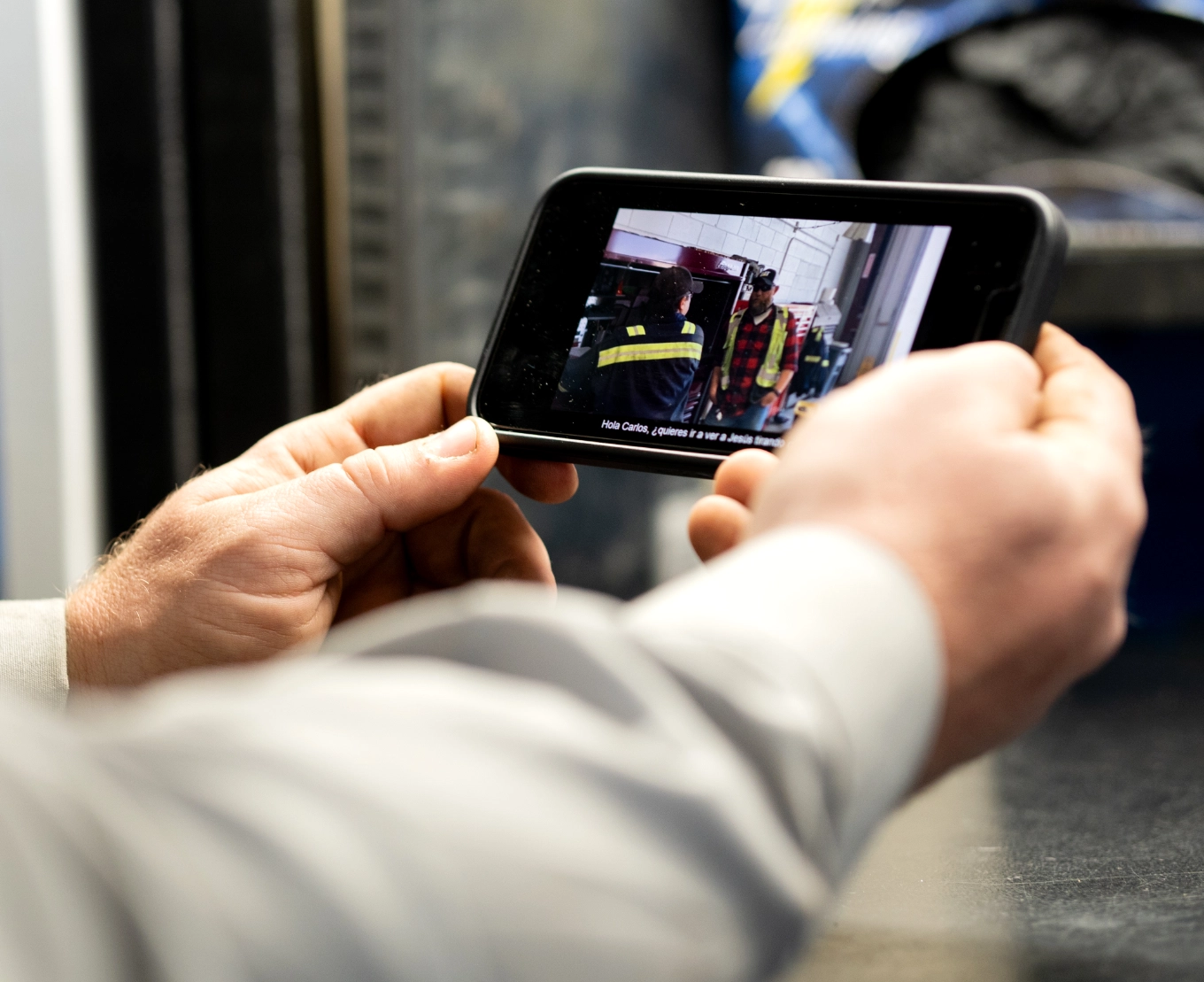
Your forms, on every crew's phone.

Turn your JSAs, inspections and incident reports into mobile forms. Build them in minutes with a drag-and-drop builder, then send them to every crew.

What you get
More reports from the field
Geiger Ready Mix saw a 215% increase in job safety observation submissions (Source: Geiger Ready Mix, Tyfoom customer).

Incident and near-miss reports from any phone.

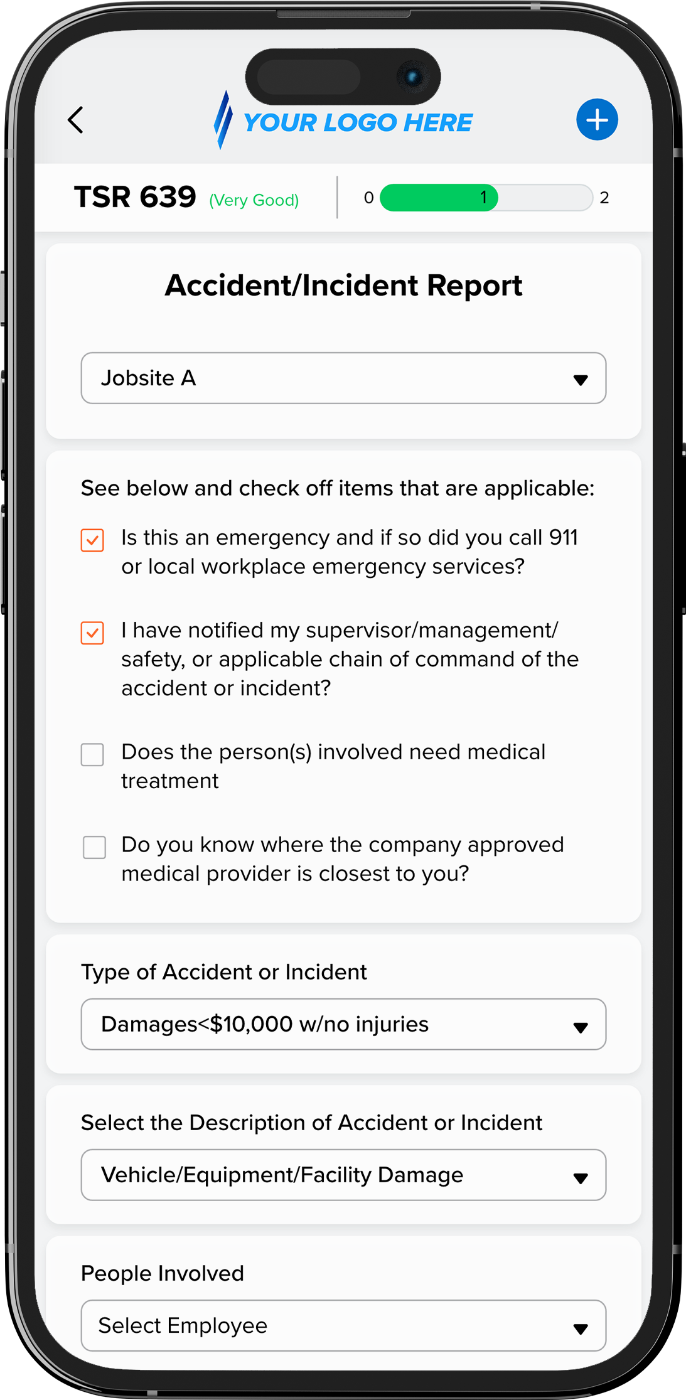
Crews report incidents and near misses right from the job site, with photos and voice-to-text. Assign follow-up straight from the report.

What you get
Reporting crews actually do
“Now employees have those forms right in their pocket on their phones.” (Source: Cody Rodgers, A-Core Concrete Specialists)

See the JSA before work starts.

Every submission lands with managers the moment it's sent. Answers you mark as risky get flagged automatically, so you can adjust in the moment, not a year down the road.

What you get
No waiting on paperwork
“The second an employee submits a form, I have access to it.” (Source: A-Core Concrete Specialists, Tyfoom customer)

Pull any record in seconds.

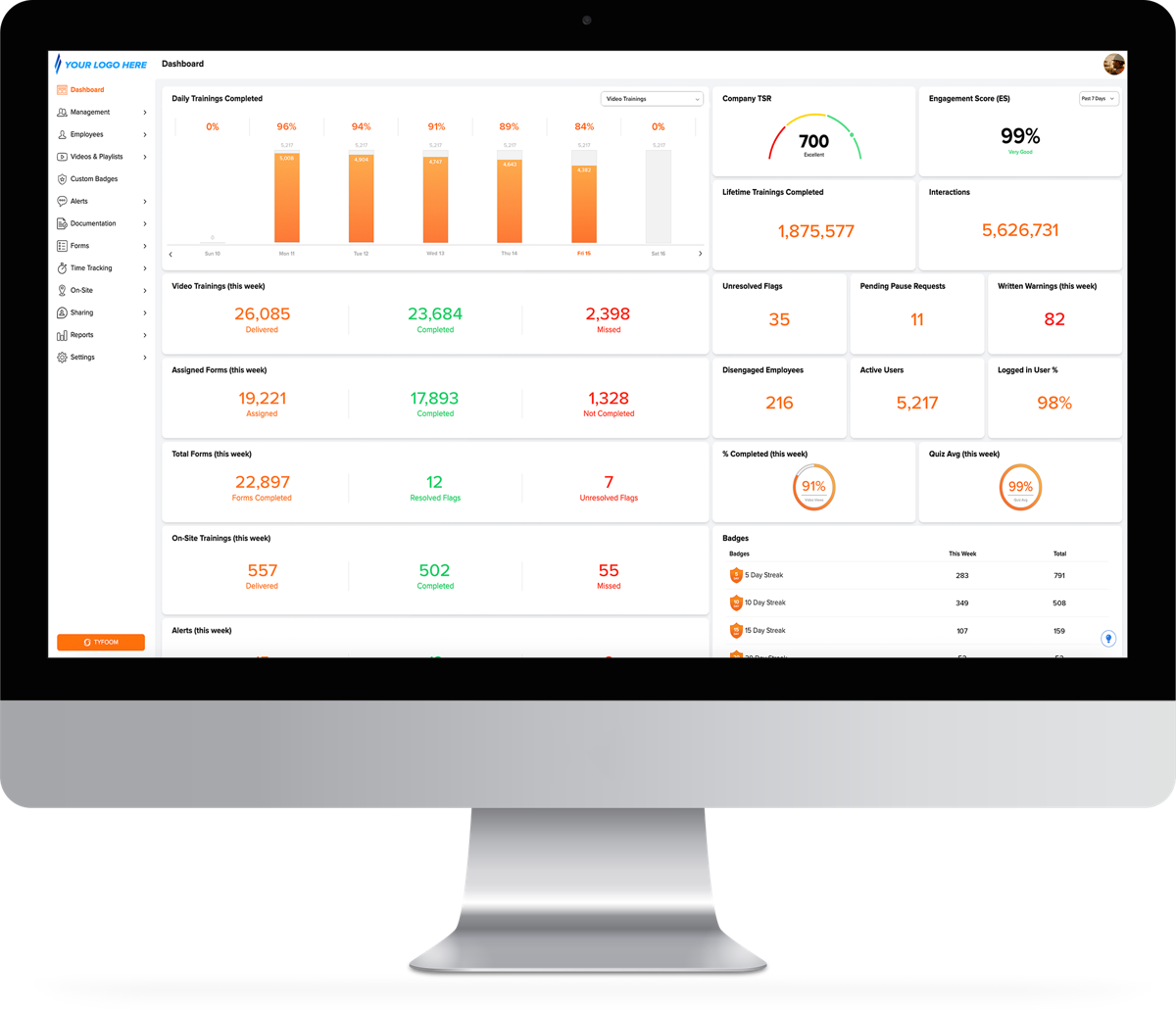
One dashboard shows every form assigned, completed and missed, plus every flag resolved. Ready for an audit, a prequal or a customer request.

What you get
Reports in real time
Real-time reports on every form, across every location.
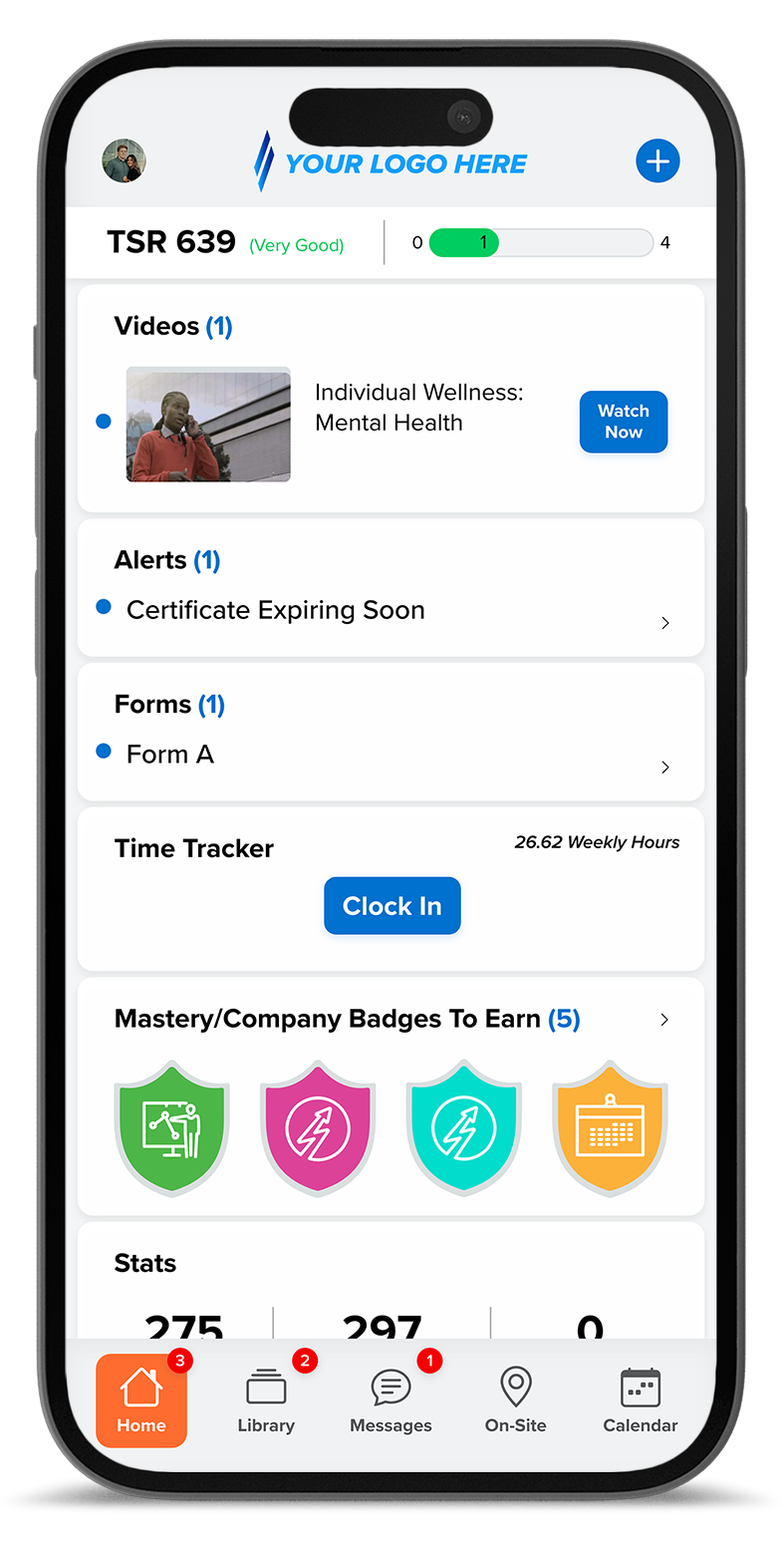
Tyfoom app home screen with a digital form assigned to the crew
JSA assigned
Sent to every crew today
Tyfoom accident and incident report form on a phone
Near miss reported
Photo and notes attached
Tyfoom digital safety form with automatic flags on a tablet
Answer flagged
Ready for manager review
Tyfoom admin dashboard showing forms completed and flags resolved
Report ready
Every form, every site

Stop chasing paperwork. Start seeing it live.

Your JSAs, inspections and incident reports on every crew phone, with every submission in one place. See it in a 20-minute demo.

Results

Safety teams that went digital.

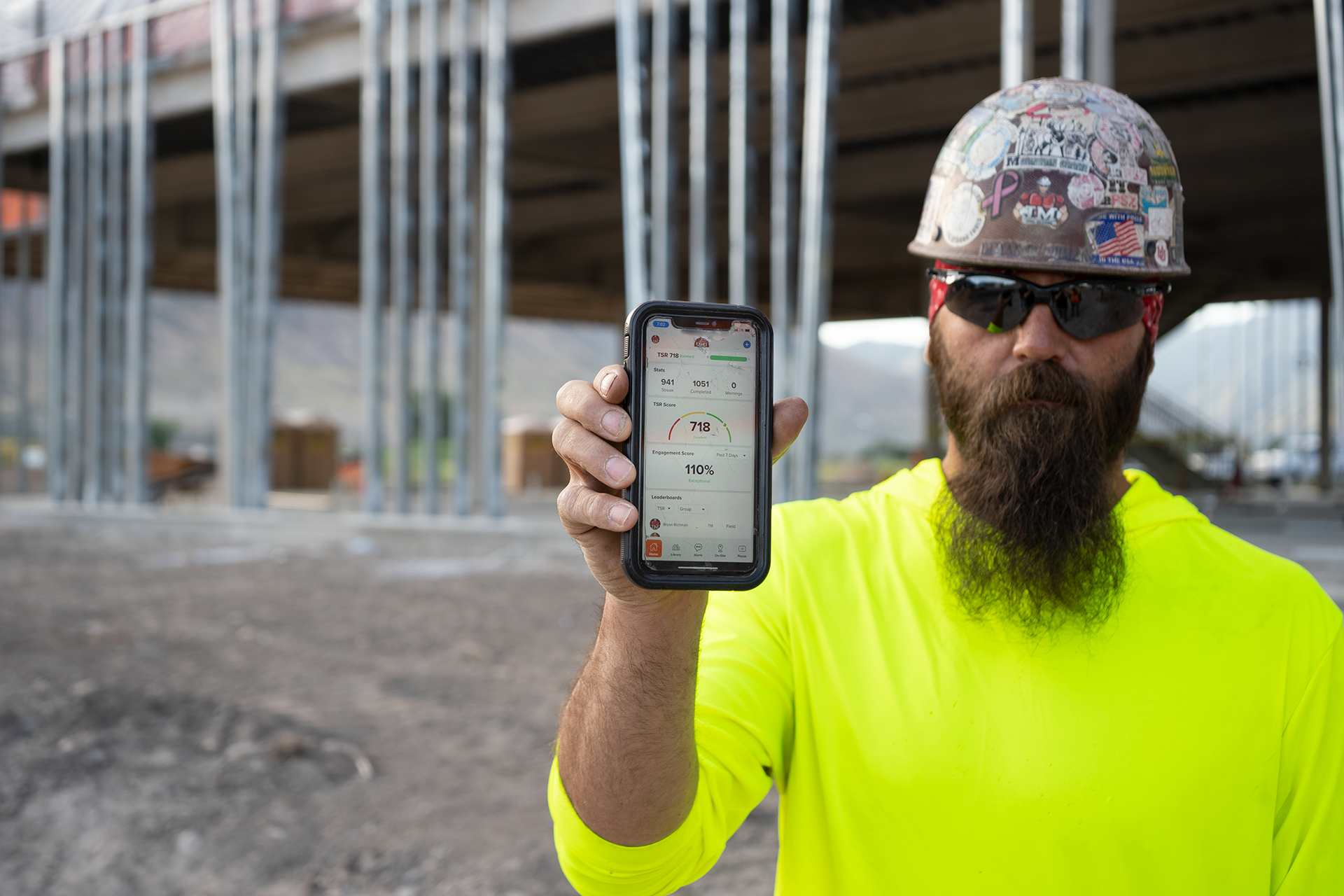
Field worker using Tyfoom
“
I was able to build digital JHA forms, equipment inspection forms, incident reports, and near-miss reports. I have a huge library of fillable forms now that our employees complete every day.
Cody Rodgers, A-Core Concrete Specialists · Safety Manager
26M+
video trainings completed
15
A-Core locations on one form system
76%
daily engagement
24
languages
Trusted by construction and industrial teams
Whitaker Construction
Lease End
Vee-Jay
Staker Parson
Geiger Ready-Mix
Jones Paint & Glass
Collins Roofing
Harris
Clyde Companies
J&M Steel Solutions
NMC Cat
Hurst Mechanical
Whitaker Construction
Lease End
Vee-Jay
Staker Parson
Geiger Ready-Mix
Jones Paint & Glass
Collins Roofing
Harris
Clyde Companies
J&M Steel Solutions
NMC Cat
Hurst Mechanical
Choose your own time

See How Tyfoom Digitizes Your Safety Forms For Your Team.

Bring the forms you already use. We will show you how they work on your crews' phones.

Calendar not loading? Open the scheduler in a new tab.

Tyfoom
© 2026 Tyfoom. Free JSA template, job hazard analysis template, safety inspection checklist and incident report template.